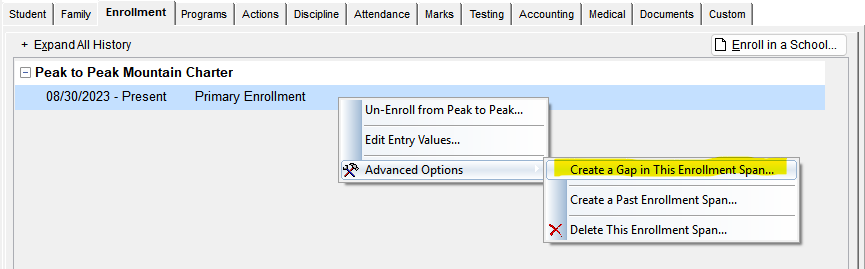
For mid-year enrollment changes, right-click the students school enrollment and select 'Advanced Options' and then 'Create a Gap in This Enrollment Span'.
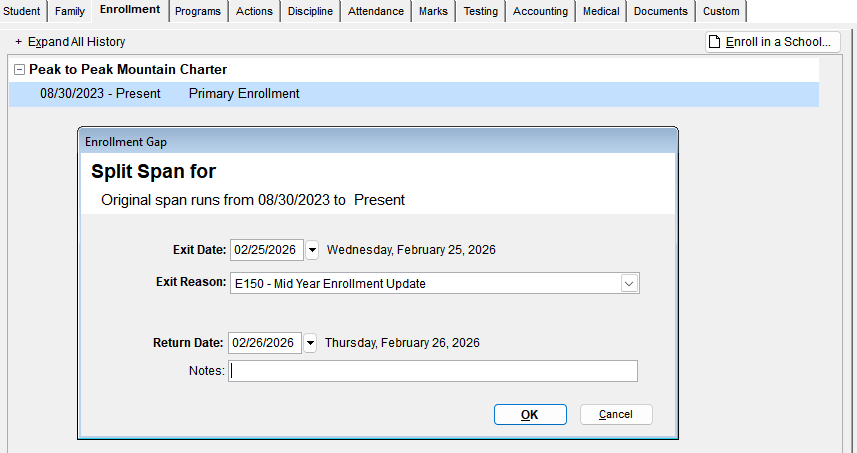
Enter the exit date (last day the student was in that class) and select E150 as the exit reason. Then enter the return date (which should be the following school day).
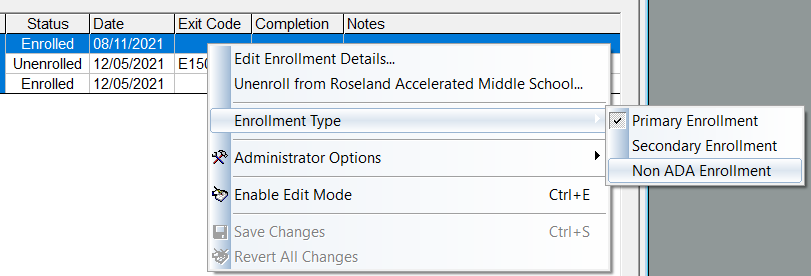
If an enrollment record needs to be excluded from CALPADS SENR, SINF, & SPRG exports, on the school enrollment tab change the enrollment type (if it wasn't already set) to 'Non-ADA Enrollment'.
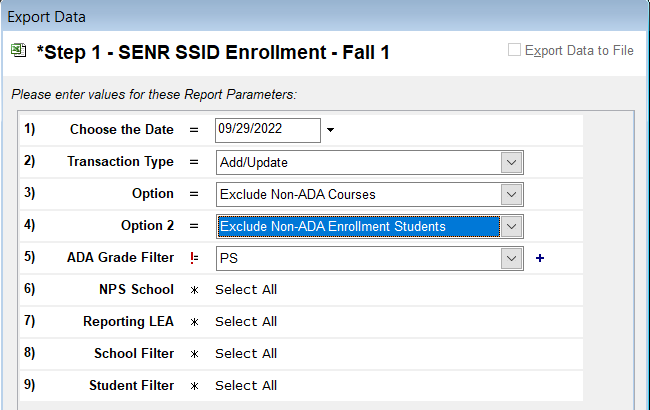
 When running the CALPADS SENR, SINF, & SPRG exports the following parameter can be used: